Your clipboard,
in focus.
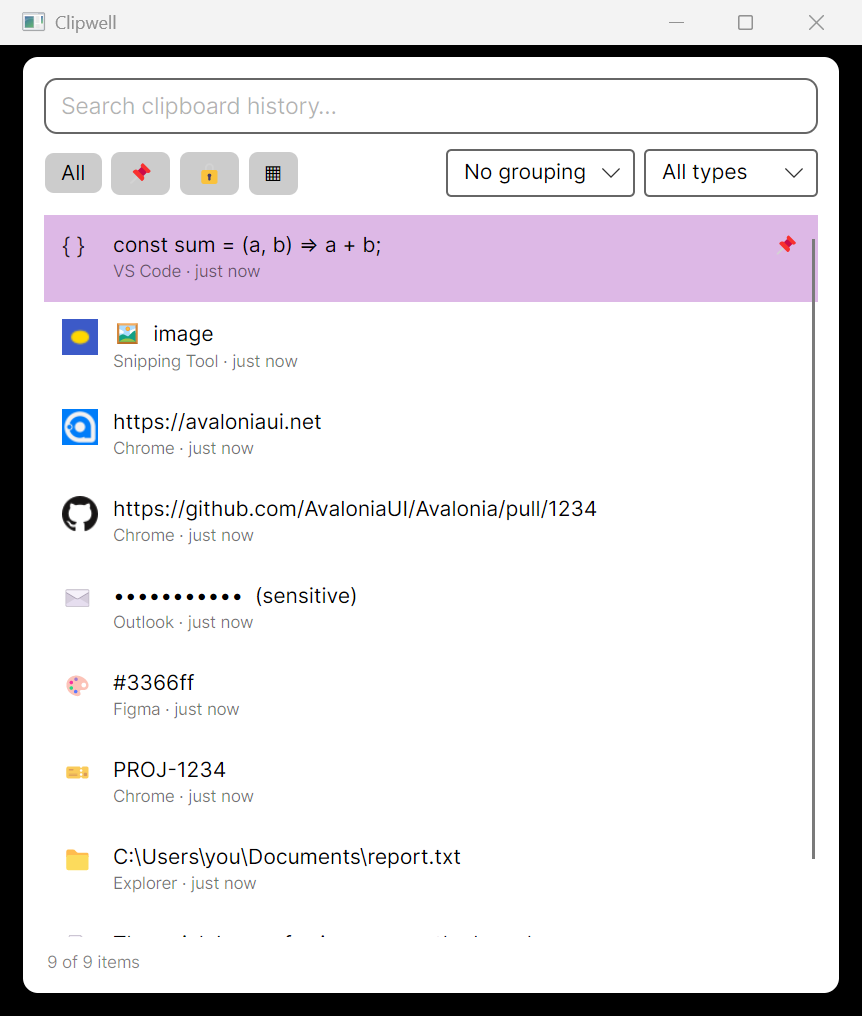
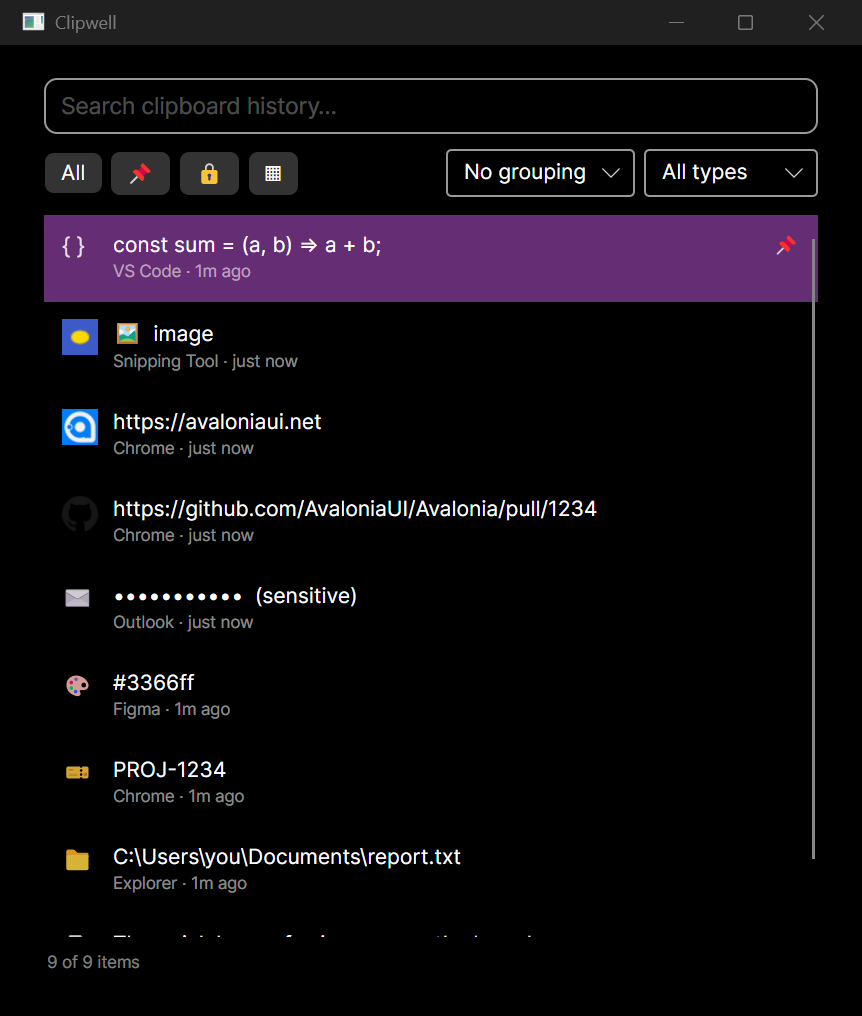
Find a copy in a few keystrokes. Keep it local. Let the native picker, web UI, CLI, and AI tools work from the same clipboard API.
Local history · Typed search · Open API
Start locally
One daemon, every client.
Start the API, then summon the native picker. The same history is available to the web UI, CLI, and MCP.
$dotnet run --project daemon
$dotnet run --project ui
Features
Fast to summon, easy to query
A rich picker
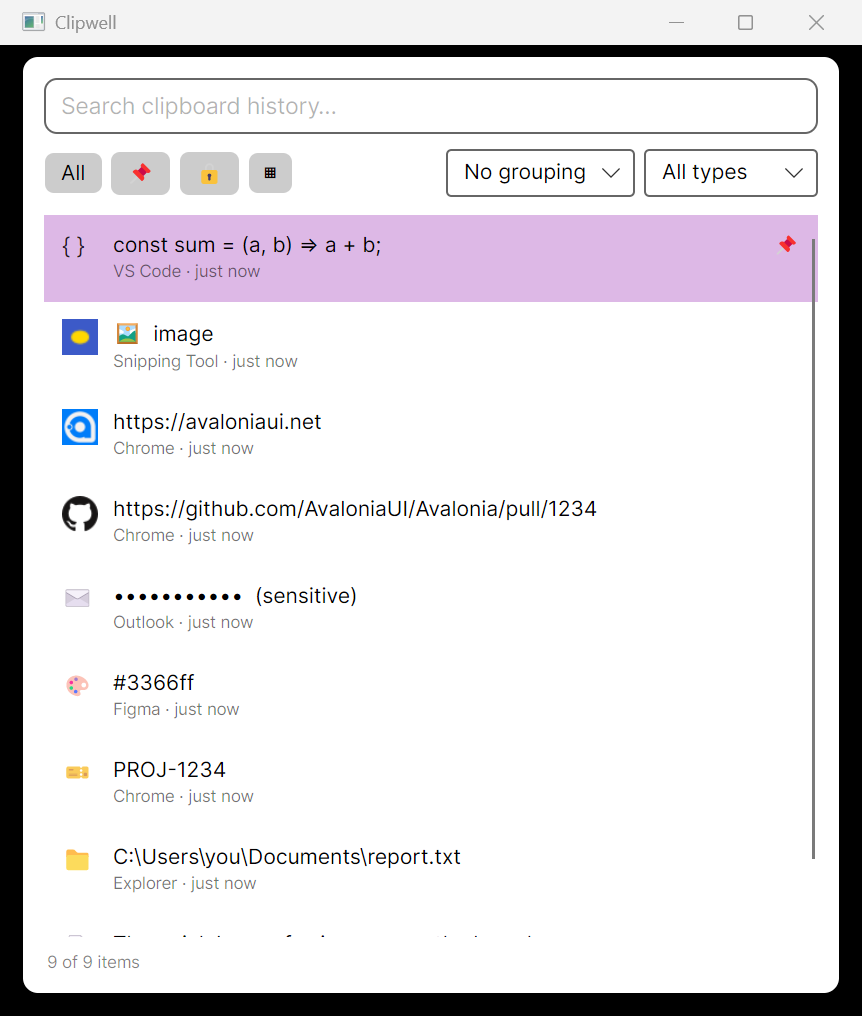
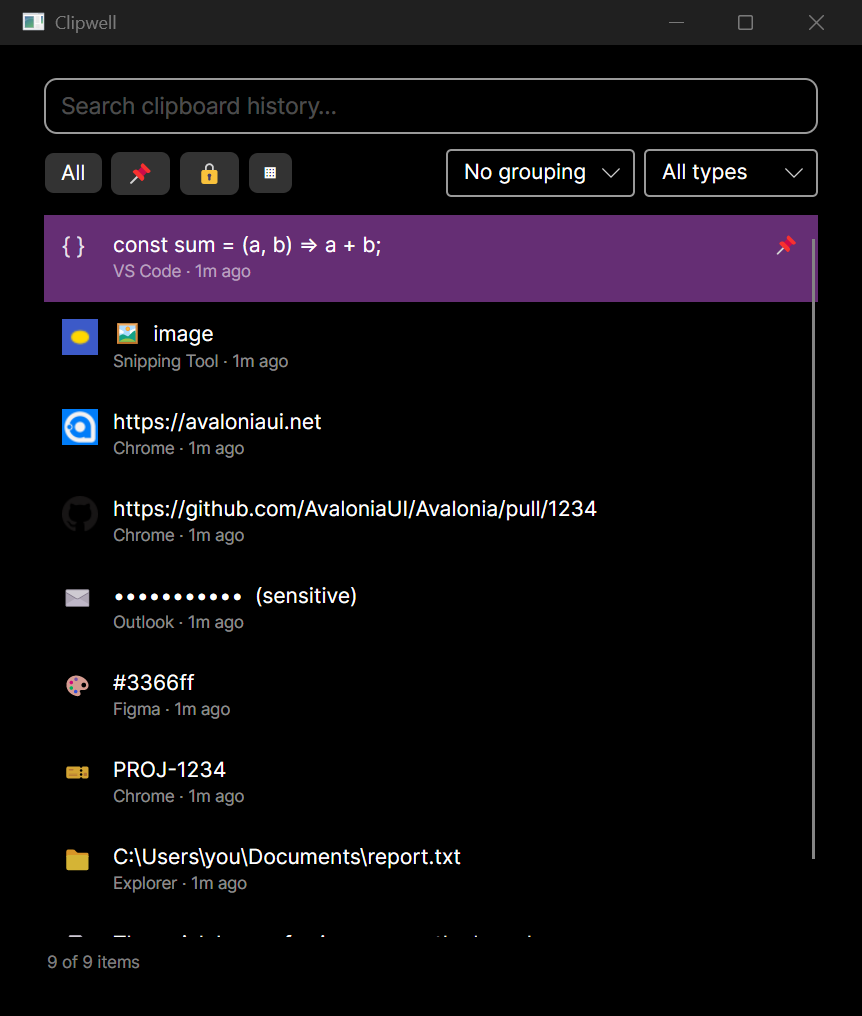
Compact and Detail views, Quick Look, filters, grouping by date or source, rename, edit, and a Ctrl+K action palette.
~16 ms
hotkey to visible picker, measured warm
The window is pre-warmed, so the global hotkey shows it in about one display frame. No cold start.
Typed, with favicons
Every item is classified, with site favicons, image thumbnails, and the source app.
Queryable by anything
REST for one-shot calls, WebSocket and SSE to stream changes live, MCP so AI agents can read and act.
Cross-platform
Windows, macOS, and Linux behind one clipboard-watcher interface. One daemon, one API.
Extensible via plugins
Detectors and Ctrl+K actions load from external assemblies through a small public contract.
Native or web
A native Avalonia picker, plus a Solid web UI with full parity: wrap it with Tauri or open it in any browser at /app.
API
One history, three protocols
The daemon owns the clipboard and its SQLite history. Anything on your machine can read it, listen to it, and drive it.
REST
GET /api/clipboard, settings, image, counts, delete, clear. OpenAPI spec included.
WebSocket / SSE
A clipboard.changed event on every capture, pushed live to subscribers.
MCP
clipboard_recent, search, get_text, and clear for AI agents, over HTTP/SSE at /mcp or stdio.
Built in the open
Architecture, ADRs, and the technology behind the one-frame picker.