From the workbench

What's new in Clipwell

Product changes with the details that matter: what changed, why it helps, and where to see the code. These are dated source updates, not numbered releases.

Clipwell / field notes01: The picker
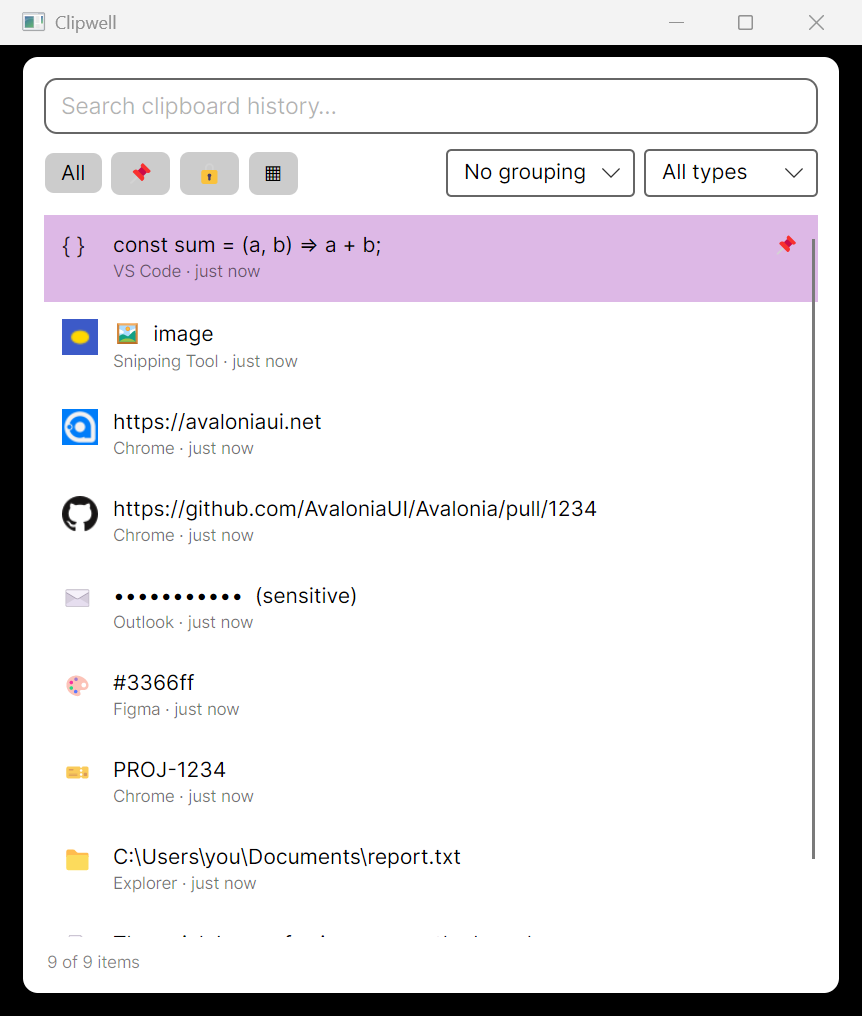
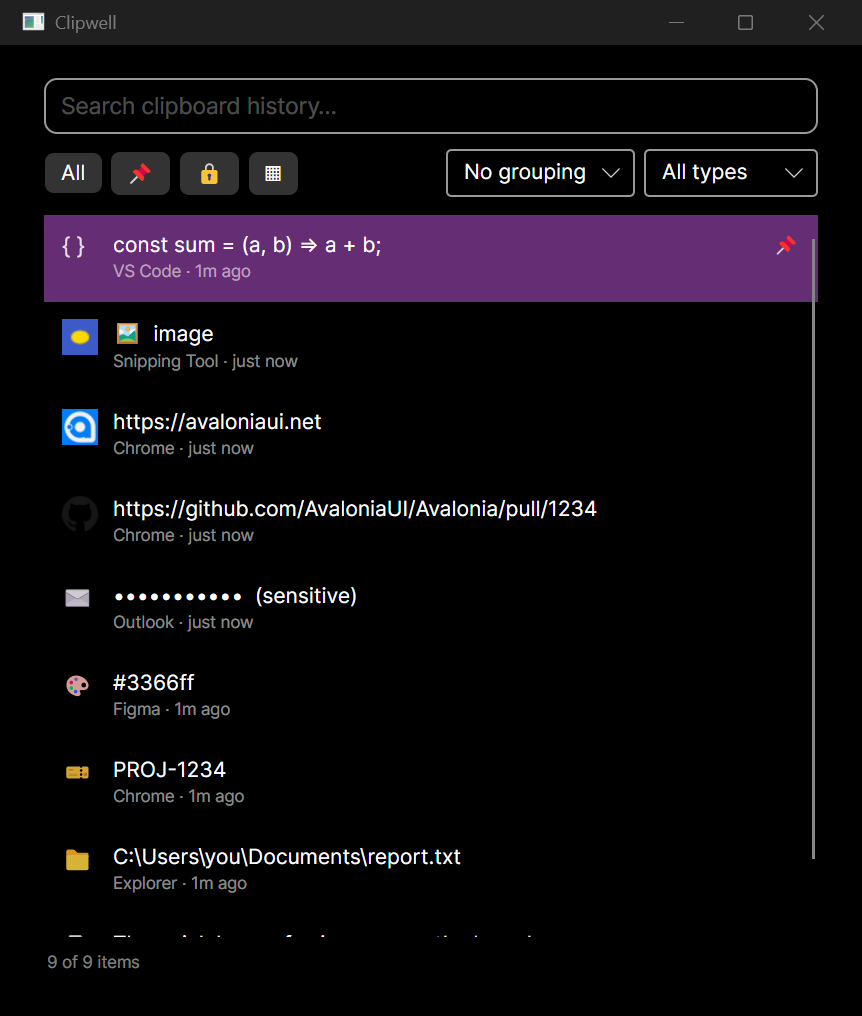
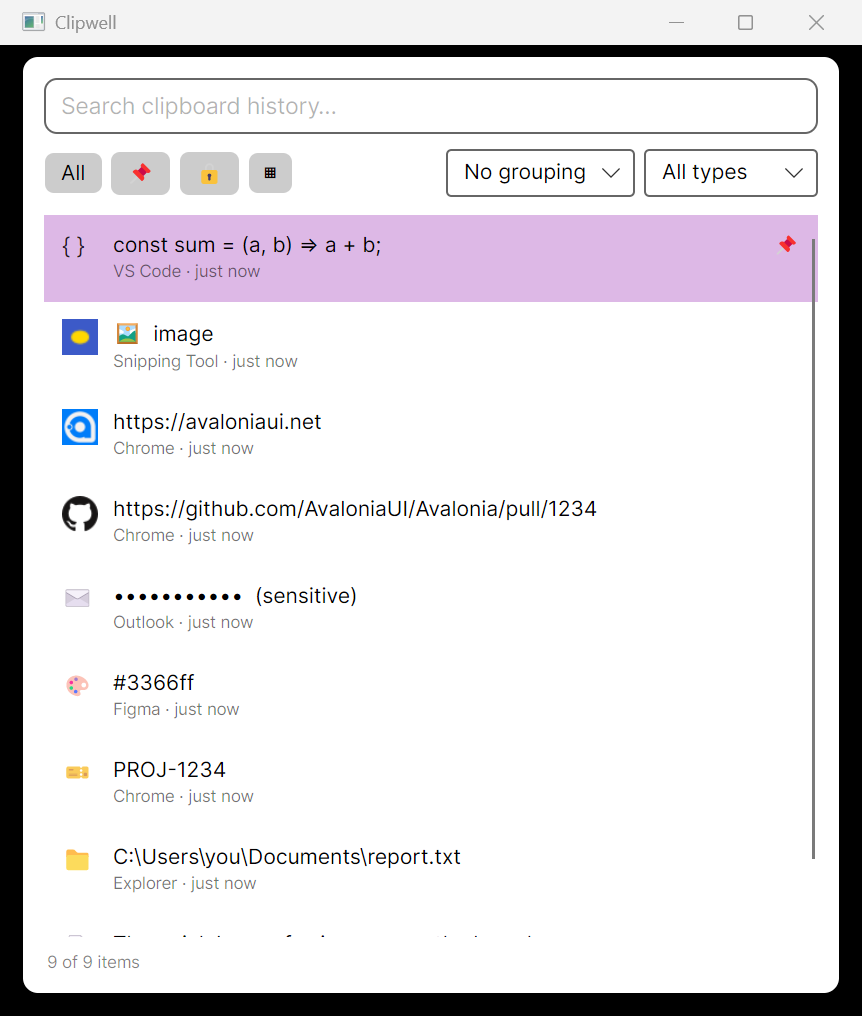
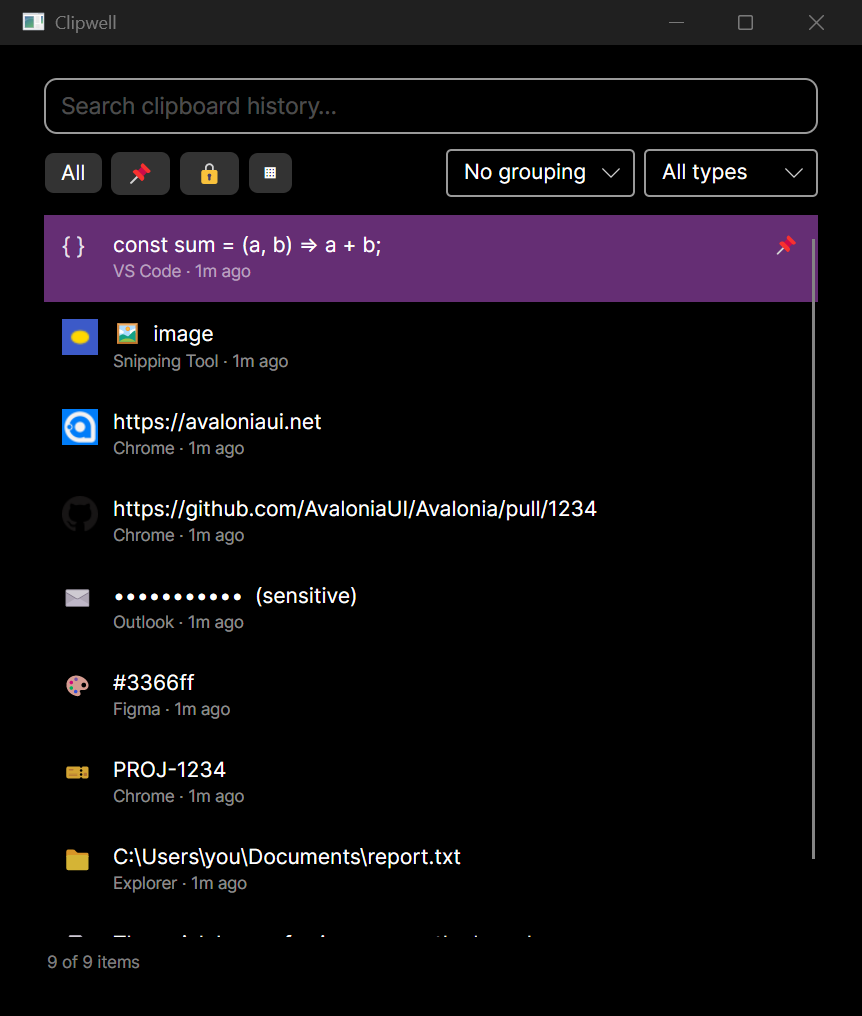
Clipwell picker with typed clipboard items and filter controls

Product walkthrough

Find the right copy, without losing your flow.

Real product capture · silent demo

Source update

Privacy

Sensitive copies stay out of agent reads

Mark a clipboard item sensitive in the picker and Clipwell's MCP tools now omit it from recent items and search. Direct text reads refuse flagged items too. Your trusted picker still shows your full history, so you can manage the item yourself.

01

Mark

Flag a private item as sensitive in the picker.

02

Keep

It remains in your local history for you.

03

Protect

MCP recent, search, and get-text do not expose it.

The change covers the daemon's HTTP MCP endpoint and the separate stdio MCP server. It does not hide sensitive items from trusted local REST picker clients.

This source-run study uses the actual browser-served web picker with seven fictional items in an isolated database and clipboard watching disabled. It is not footage of the native Windows picker or a real clipboard. The masked row is visible in the trusted picker; the MCP boundary described above comes from the source change, not a mocked agent response.
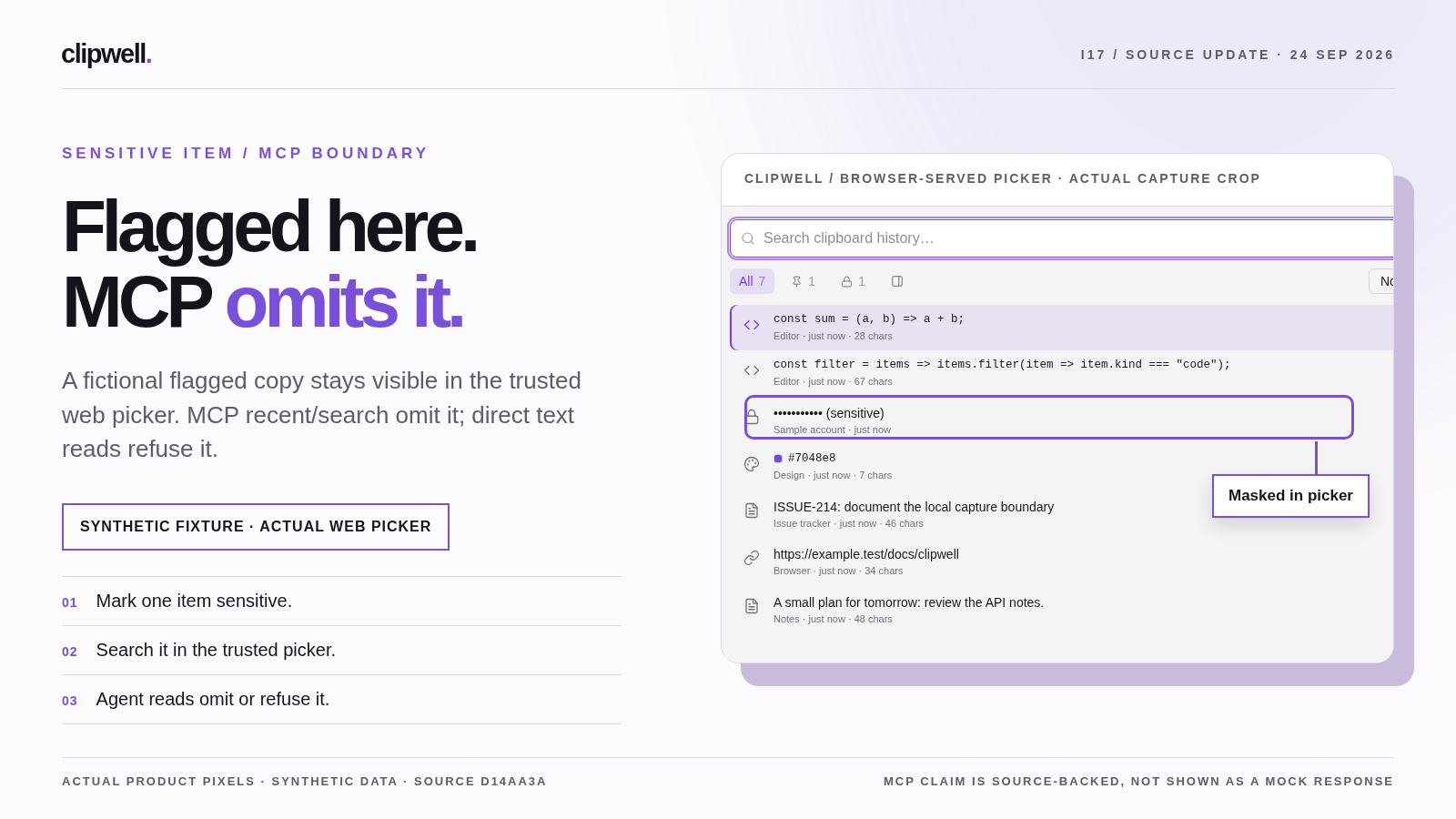
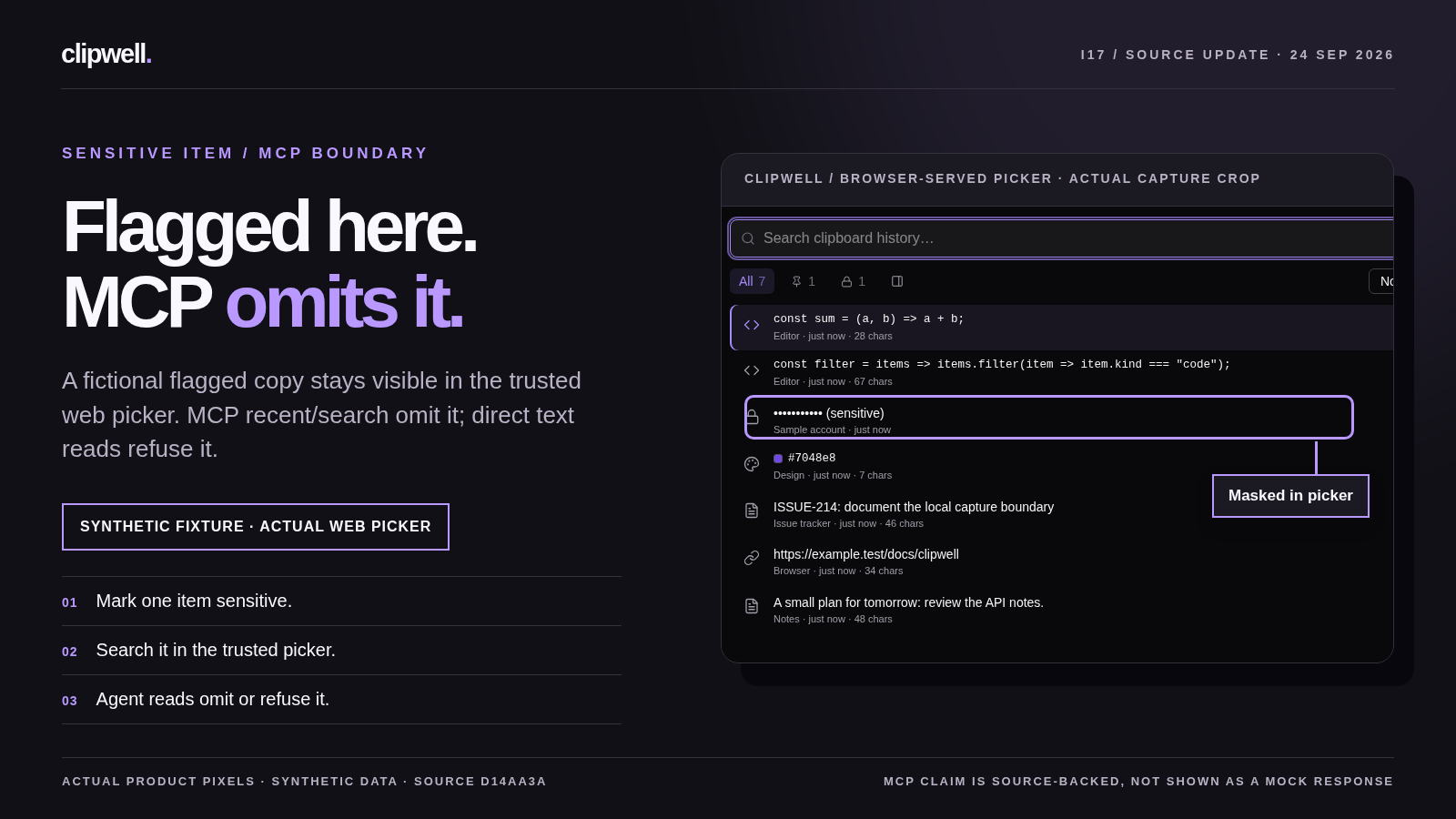
Annotated Clipwell web picker showing a masked synthetic row and the source-backed MCP boundary
Paired poster study from real web-picker pixels and a fictional fixture. The MCP result is source-backed, not simulated on screen.
Real, silent web-picker filtering footage in light and dark. It is source footage, not a narrated Cartesia/Remotion release film.

The final narrated films, timed captions, and listening review are still in production. Trusted local REST access remains available.
Source update

Reliability

Pinned means kept

Pinned copies now survive the retention sweep. Clipwell also saves pin, alias, and edit metadata through an atomic file replacement, so a crash during a save cannot truncate the live metadata file.

This hardening pass also fixed search and direct reads across the full history, instead of only a fixed recent window. The source commit documents the other daemon and client fixes in detail.

Read the change
Explore the picker

A history you can actually use

Filter by kind, inspect a copy in Detail view, and get back to the app you were using. The product captures here show the interface in both light and dark themes.

Explore workflows
Clipwell Detail view with selected clipboard item and metadata